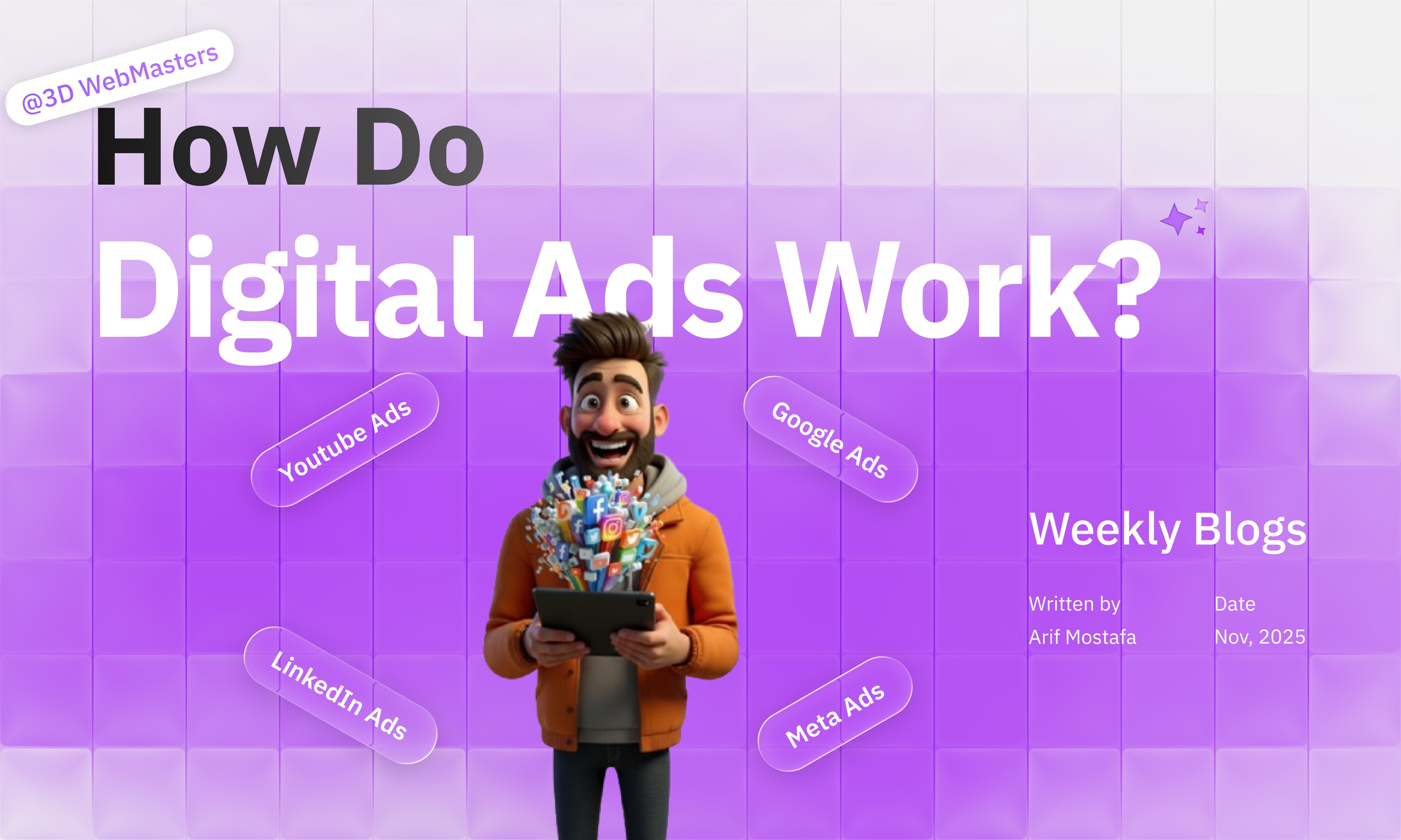
How do digital ads work? Clear, simple guide
How do digital ads work? Learn auctions, targeting, pixels, budgets, and ROI—plus quick campaigns you can launch and when to hire 3D WebMasters.
Posted on:
Nov 9, 2025
Posted by:
Arif Mostafa
TL; DR/Quick Answers
What are digital ads? Paid placements on search, social, video, display, and marketplaces to reach specific audiences.
How do digital ads work? Platforms run real-time auctions; your bid, relevance, and expected performance decide who shows.
Why use them? Fast reach, precise targeting, measurable results, and controllable spend.
How much do they cost? You set the budget; most buy on CPC/CPM. Small tests often start at $20–$100/day.
How long to see results? Early signals in days; stable performance in 2–6 weeks as the algorithm learns.
What do I need? Goals, audience, creative, tracking (pixel/tag), a strong landing page, and clear offers.
DIY or agency? DIY for simple campaigns; hire pros for speed, scale, and multi-channel ROI.
Key Takeaways
Start with one goal and one audience; keep it focused.
Match format to intent: search = demand capture; social/video = demand creation.
Good creative + fast landing page beats big budgets.
Track conversions with pixels/server-side tagging.
Test small, scale winners, pause losers.
Measure leads and revenue, not just clicks.
Use retargeting carefully; avoid ad fatigue.
How do digital ads work?
Digital ads look complex from the outside. In reality, the machine is simple: you choose a goal, define an audience, set a bid and budget, upload creative, and send people to a fast, relevant page. Platforms run an auction in milliseconds and show the ad most likely to get the desired action.
This plain-English guide from 3D WebMasters explains how it fits together—auctions, targeting, pixels, budgets, and optimization. You’ll see where to start, what to watch, and quick campaigns you can launch this month. No jargon, no fluff—just a clear path to traffic, leads, and sales.
The basics: what digital ads are and how they work
Digital ads are paid placements that appear in search results, social feeds, websites, apps, videos, and marketplaces. They’re delivered through real-time auctions. You enter the auction with a bid and an ad; the platform factors in your bid, ad relevance, expected click-through or conversion rate, and user experience on your landing page. The highest ad rank (not always the highest bid) wins the impression.
(H3) Targeting and audiences
You can target by intent (keywords), demographics, interests, behaviors, lookalikes, remarketing lists, and customer lists. Keep audiences tight at first; widen as you find what converts.
Bids, budgets, and optimization
Most platforms use CPC (cost per click) or CPM (cost per thousand impressions). Smart bidding can optimize toward conversions or ROAS when you have enough data. Daily budgets cap spend; pacing spreads it across the day.
Creative and formats
Search uses text ads; social and display use images, carousels, short videos, and animations; video platforms use skippable and non-skippable spots; shopping ads show product image, price, and merchant info. Better creative raises relevance and lowers cost.
Pixels, tags, and conversions
A small script (pixel/tag) records actions like add-to-cart, lead form submit, or phone click. This powers optimization, retargeting, and attribution. Use consent-friendly, privacy-aware setups and consider server-side tagging as you scale.
Choosing the right path: self-serve, managed, or agency
Pick the simplest approach that fits your goals and time.
Self-serve (DIY)
Good for a single channel and a clear offer (e.g., “Free audit”). You control budgets and learn fast. Expect time spent on creative, testing, and landing page tweaks.
Managed by a platform or a vendor
Useful for marketplaces or specialized networks where your inventory already lives. Less flexible, often bundled with platform fees.
Agency partner
Best for multi-channel strategy, faster learning, and conversion rate work. At 3D WebMasters, we pair ads with landing pages and analytics so spend turns into revenue—not just clicks.
Channels explained (simple and skimmable)
Digital ads work across five lanes. Search captures demand—match keywords to the query and land on a fast, specific page. Social creates demand via interest/job/lookalikes; short videos and hooks win after a learning phase. Display/programmatic builds reach and retargeting—judge-assisted value. Video/CTV lifts brand; harvest with search/retargeting. Shopping/marketplaces rely on clean product feeds, accurate titles/images, and reviews to earn clicks.
Search (Google/Bing)
Great for demand capture—people already searching. Use exact-match keywords for high intent, align ad copy with the query, and send to a fast, specific page.
Social (Meta, Instagram, TikTok, LinkedIn)
Great for demand creation. Target by interest, job title, or lookalikes. Short videos and clear hooks work well. Expect learning time before conversions ramp.
Display & programmatic
Banner/visual ads across websites and apps. Use for reach and retargeting; judge success on assisted conversions and view-through, not only last-click.
Video & CTV
Brand lift, education, and product storytelling. Pair with search and retargeting to harvest interest created by the video.
Shopping/Marketplaces
For e-commerce. Product feeds power dynamic ads with price and availability. Keep titles, images, and reviews accurate to win clicks.
Front end vs back end—explained simply (ads edition)
The front end is what customers see: ad copy, visuals/video, and a mobile-first landing page with a clear promise, social proof, and a fast form/checkout. The back end is the data layer: pixels/tags, server-side events, product feeds, CRM, and analytics. Map events consistently (ViewContent, AddToCart, Lead, Purchase). Clean, unified data lowers costs and lets algorithms optimize toward the metrics that matter.
Front end: the ad and the landing page
Your “front end” is what the customer sees—ad copy, images/video, and the landing page. Clear promise, social proof, and a fast form or checkout are non-negotiable. Mobile first, always.
Back end: data, feeds, and tracking
Your “back end” is pixels/tags, server-side events, product feeds, CRM, and analytics. Clean data equals cheaper clicks and better optimization. Map events like ViewContent, AddToCart, Lead, and Purchase consistently.
Designing for outcomes: not just clicks
Pick one outcome per campaign: leads, demo bookings, trials, purchases, or calls. Align everything to it.
Offers that convert
Lead gen: checklist, template, calculator, or audit. E-commerce: starter bundle, limited-time discount, free shipping threshold. B2B: short video + one-page brief + calendar link.
Creative that earns the click
Hook in the first line/second. Show the problem and the result. Add a clear next step: “Get the playbook,” “Book a walkthrough,” “See pricing.”
Landing pages that finish the job
Match the headline to the ad. Keep forms short. Add proof (reviews, logos, numbers). Ship fast pages; aim for sub-3s loads and snappy interactions.
What’s new in 2025: privacy, data, and smarter automation
Privacy-first tracking: More modeled conversions and server-side tagging. Plan for fewer cookies and more first-party data.
Consent-aware measurement: Respect regional consent; build experiences that work even when tracking is limited.
Creative automation: Platform tools auto-mix headlines, images, and videos. Feed them with strong variations—not minor tweaks.
Attribution reality: Expect blended reporting; triangulate with platform data, analytics, and simple lift tests.
Quality > quantity: Fast pages, clear offers, and helpful content continue to beat tricks.
Practical campaigns you can launch quickly
Start with branded search (cheap, high intent) and a retargeting campaign hitting site visitors with proof-driven creatives. Add non-brand search for 3–5 core services, each with tight keywords and single-theme landing pages. For scale, run a lookalike/prospecting set on Meta/LinkedIn with a short video + lead form. E-commerce? Spin up Shopping/Performance Max with a clean feed. Layer YouTube/shorts for awareness and harvest via search.
High-intent search + matching page
Keywords: “[service] near me,” “best [service] for [audience].”
Ad: benefit + proof + CTA.
Page: single offer, short form, social proof, phone click button.
Social lead magnet + retargeting
Creative: 15–30s video or carousel.
Offer: template, checklist, or mini-audit.
Retarget: visitors and engagers with a demo or quote.
Product shopping + remarketing
Clean product feed with strong images/titles.
Free returns or shipping threshold in ad copy.
Remarketing to cart abandoners within 3–7 days.
Costs, timelines, and team
Expect a setup week for assets, pixels, and landing pages, then a 2–4 week learning phase before stable results. Starter budgets: $1–3k/month for testing one or two channels; $5–15k/month for multi-channel plus creative. Minimum team: ** strategist**, media buyer, creative (designer/video), and analytics/dev for tracking. Meet weekly on KPIs (CPA/ROAS, CTR, INP/LCP), ship new creatives biweekly, and scale winners quarterly.
Rough ranges to plan
Testing budget: $600–$3,000 per channel for a 2–4 week learning phase.
Daily budgets: start $20–$100; scale winners to efficiency targets.
Creative: a few image/video variants per audience; refresh monthly.
Who do you need
A doer can run a simple channel. For multi-channel, add: copy/design, media buyer, conversion specialist, and analytics. That’s the model we use at 3D WebMasters to tie spend to revenue.
Tech stack snapshots (keep it simple)
Start lean. For search/display/video, use Google Ads + GA4 + Tag Manager. For social, pair Meta Ads + Conversions API, LinkedIn, and TikTok. E-commerce: Shopify/Woo with a clean product feed to Google/Merchant Center and Meta. Track with server-side events where possible, sync leads to HubSpot/Pipedrive, and build fast pages in Framer/Webflow/WordPress. Optional: lightweight attribution (e.g., UTMs + model comparison).
Essentials
Ad platforms (search, social, video)
Analytics (events + goals)
Tag manager or server-side events
CRM or spreadsheet for lead quality
Fast landing page builder (Framer, Webflow, or custom)
Nice to have
Call tracking for phone-heavy businesses
Feed management for e-commerce
Heatmaps/session replays for UX fixes
(H2) Simple buyer guide: Is digital advertising right for you?
Choose ads if you need results in weeks, have a clear audience, and can spend at least a small, steady budget (e.g., $500–$2k/month) to learn. You’ll also need a fast landing page, one primary offer, and basic tracking (pixel + conversions). If your product-market fit is shaky or creative is scarce, pause—fix messaging, collect proof, and build content first. Then scale with ads.
Good signals
You have a clear offer, a fast page, and a way to follow up on leads or fulfill orders. You can invest a small test budget and learn weekly.
Not yet
You don’t have product–market fit, your pages are slow, or you can’t respond to leads quickly. Fix these first; ads only amplify what’s already working.
Final Thoughts
Digital ads work when they’re focused. Pick one goal, one audience, and one offer. Launch a small test, measure real conversions, and improve the creative and page before you scale. When you’re ready for multi-channel growth—or want a team to handle landing pages, analytics, and ongoing optimization—3D WebMasters can help you turn ad spend into pipeline and sales.
FAQs
What’s the difference between CPC and CPM?
CPC means you pay per click; CPM means you pay per thousand impressions. Use CPC for direct response and CPM for reach and awareness campaigns where views matter.How long should I run a test?
Give new campaigns 2–4 weeks and enough budget to reach a few hundred clicks or several conversions. Stop clear losers early, keep iterating on promising ad–page pairs.Do I need a pixel or a tag?
Yes. Without conversion tracking, you can’t optimize or measure ROI. Install the platform’s tag (and consider server-side events as you grow) before spending.What makes a good landing page?
A matching headline, a single offer, short form, proof (reviews/logos), and fast load times. Remove distractions; make the next step obvious on mobile.Should I start with search or social?
If people are already searching for your service, start with a search to capture demand. If your market needs education or awareness, start with social/video to create demand and retarget.How big should my audiences be?
For search, the keyword set can be small if the intent is high. For social, start with 1–3 tight audiences (e.g., lookalike + interest) and expand once you see conversions.What is retargeting, and when should I use it?
Retargeting shows ads to people who visited your site but didn’t convert. Use it with frequency caps and fresh creative to avoid fatigue; point to a tighter offer.How do I measure success beyond clicks?
Track lead quality and revenue: cost per qualified lead, sales cycle, and return on ad spend. Tie ad platforms to your CRM so you see which campaigns actually close.Are digital ads bad for SEO?
No. They’re separate channels. Ads can reveal which messages convert, and then you can bring those insights into your SEO and content strategy.When should I hire an agency?
When you need faster learning across channels, better creative and landing pages, or when tracking/attribution gets complex. A good partner saves time and wasted budget.